Designing mobile systems at enterprise scale
A tool for dealership technicians to complete complex service tasks in high-pressure environments.
$17M
annual operational savings
6 → 1
tools consolidated
65%
adoption increase
40%
faster report submission
01 . Context
Overview
CSMT is a mobile application used by dealership service teams to document service cases and escalate issues to General Motors for support.
The tool connects technicians and field teams to corporate users when diagnosing vehicle problems in real time.
My work focused on improving the usability and structure of the application as its scope expanded across dealerships.
My contributions
Designing the end-to-end mobile experience
Conducting field research and technician interviews
Translating research insights into product features
Prototyping and delivering production-ready designs
Collaborating with product and engineering through launch
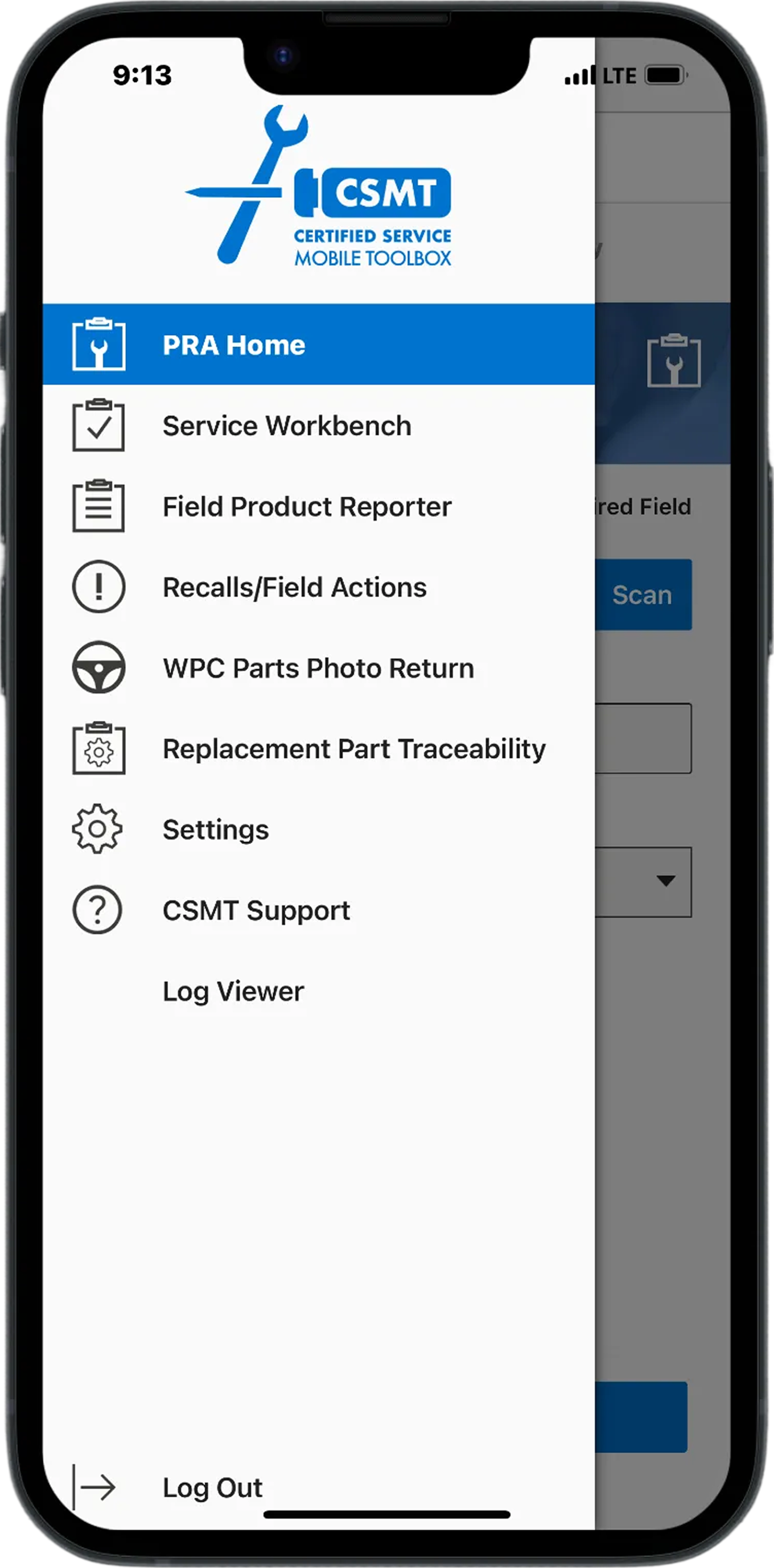
original landing page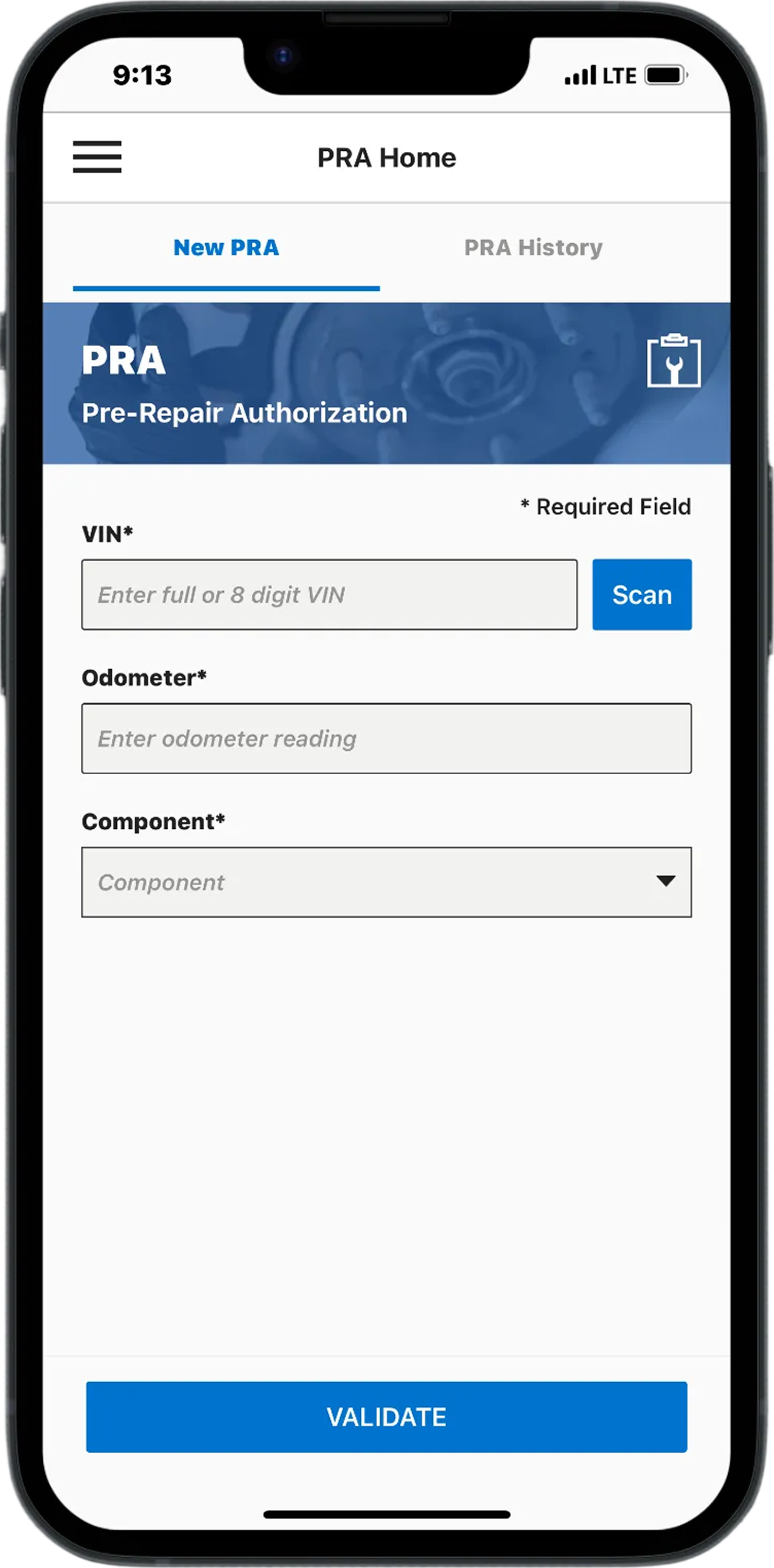
original home screen★ Results
The redesign improved clarity and efficiency for technicians completing complex service tasks in the field.
Consolidating six separate service workflows into a single mobile platform reduced report submission time by approximately 40% and contributed to more than $17M in annual operational savings.
skip to impact ↓Background
CSMT began as a single-purpose mobile tool for dealership technicians, but over time additional features were layered in as new needs emerged.
What started as a focused utility evolved into a broader operational tool used across dealerships, field teams, and corporate stakeholders. Because the application was never designed to support this level of growth, the experience became increasingly fragmented.
Workflows expanded without a consistent structure, navigation became harder to predict, and critical actions were often unclear during time-sensitive service tasks. As adoption grew across thousands of technicians and dealerships, the limitations of the original foundation became more visible and harder to ignore.
02 . Process
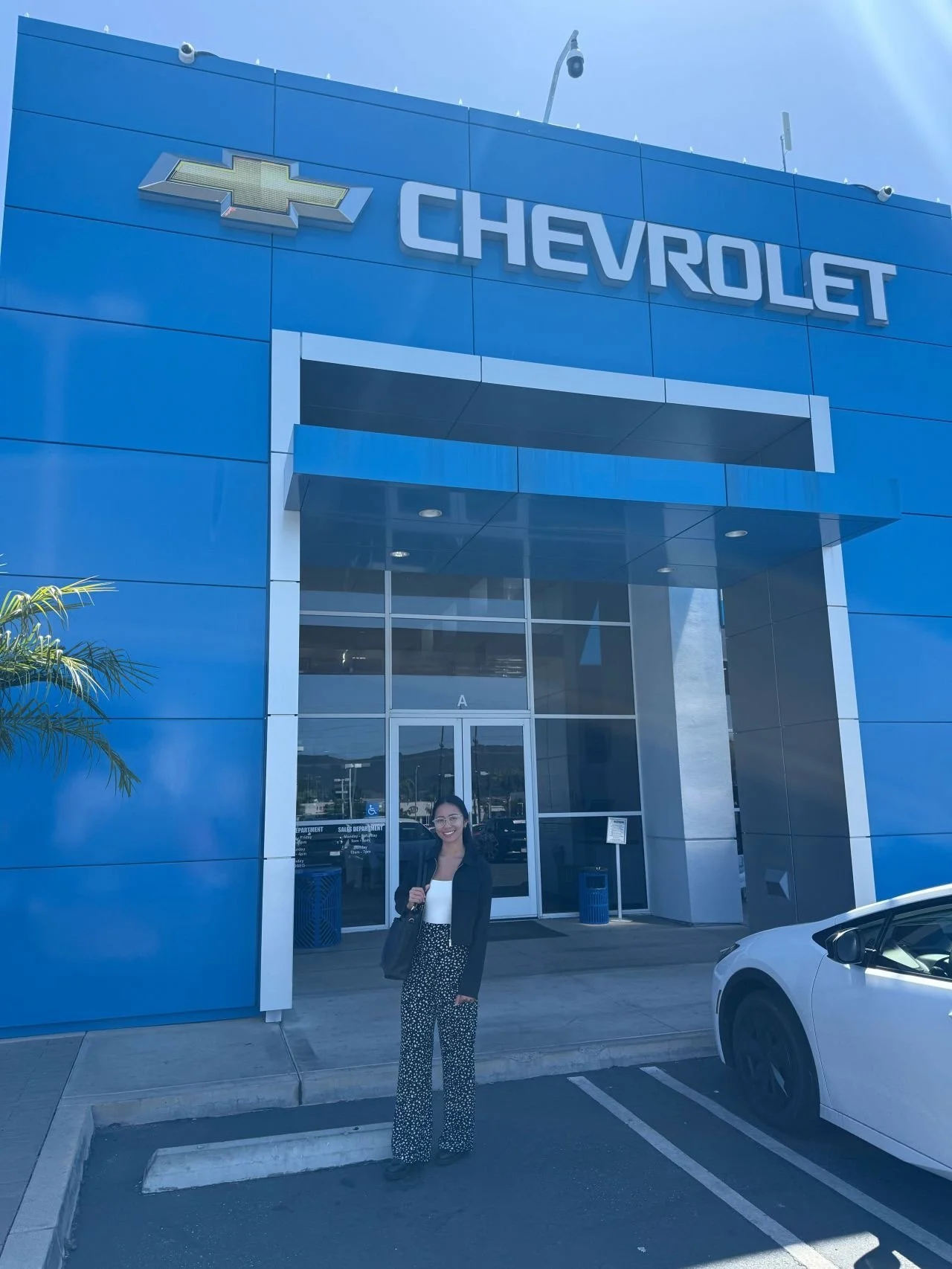
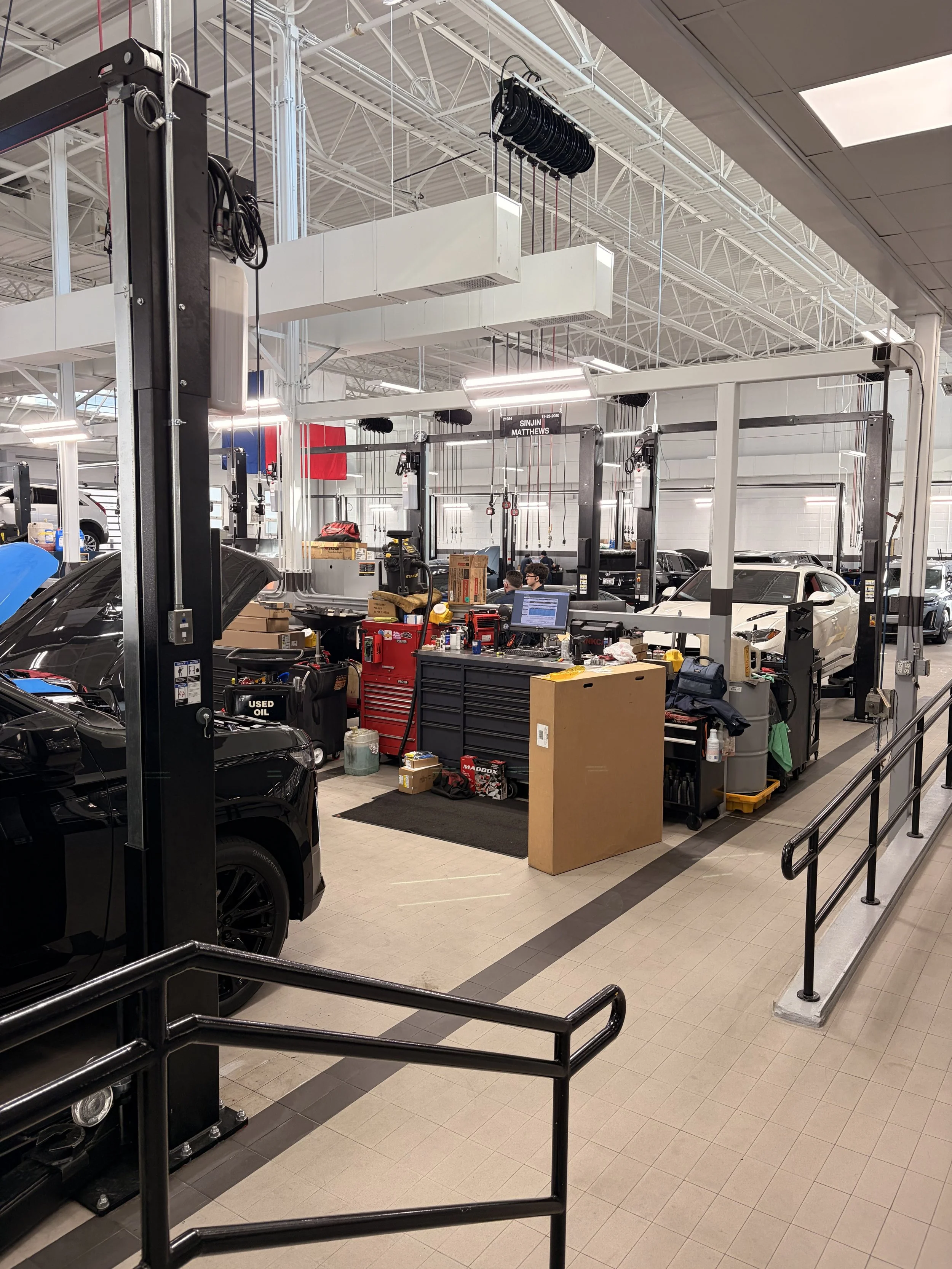
understanding workflows requires being where the work happensInterviews
Research was conducted through dealership visits and technician interviews across multiple GM locations. Observing service advisors, technicians, and managers in the service lane helped reveal how work actually unfolded beyond what usage data showed.
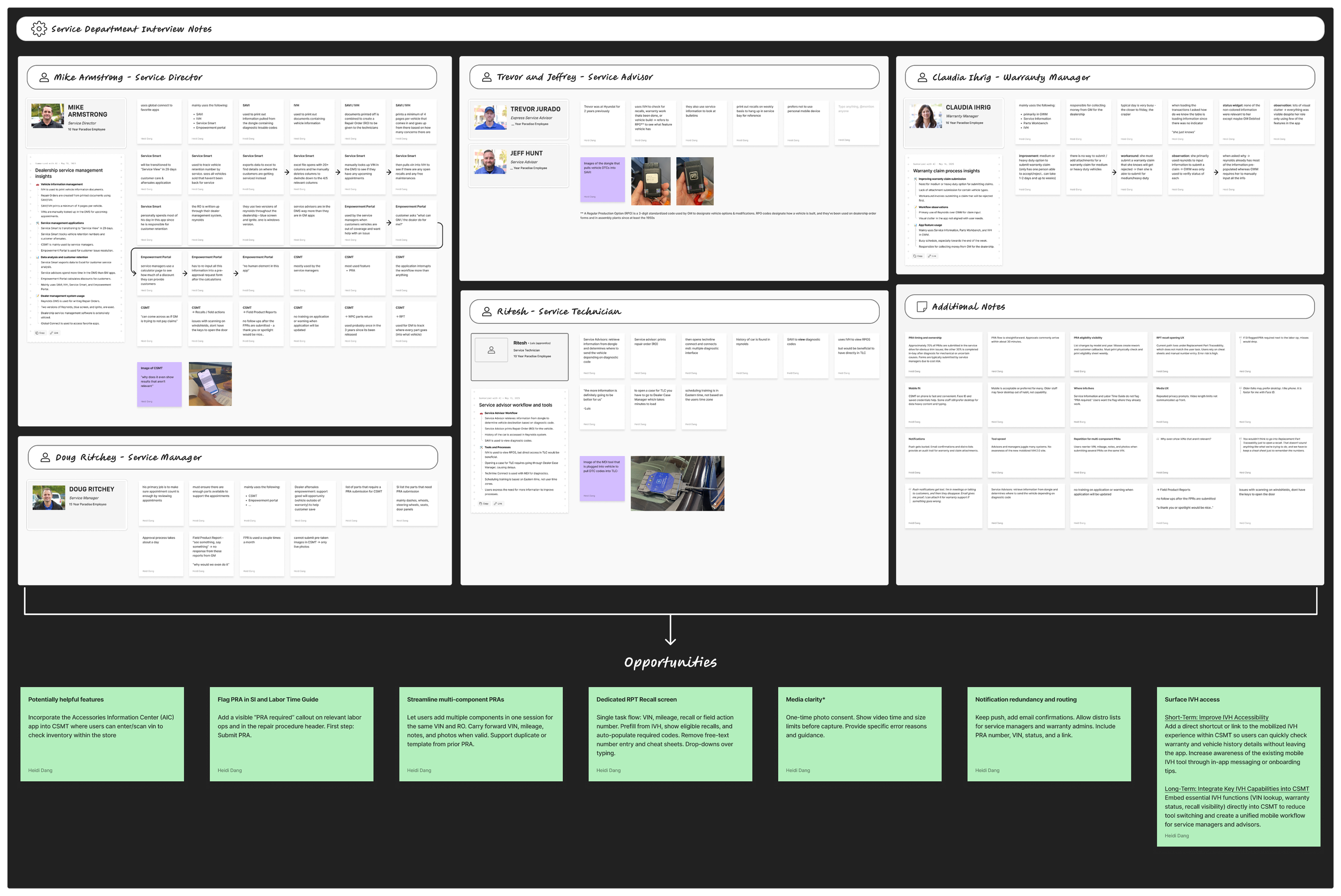
Synthesizing interviews
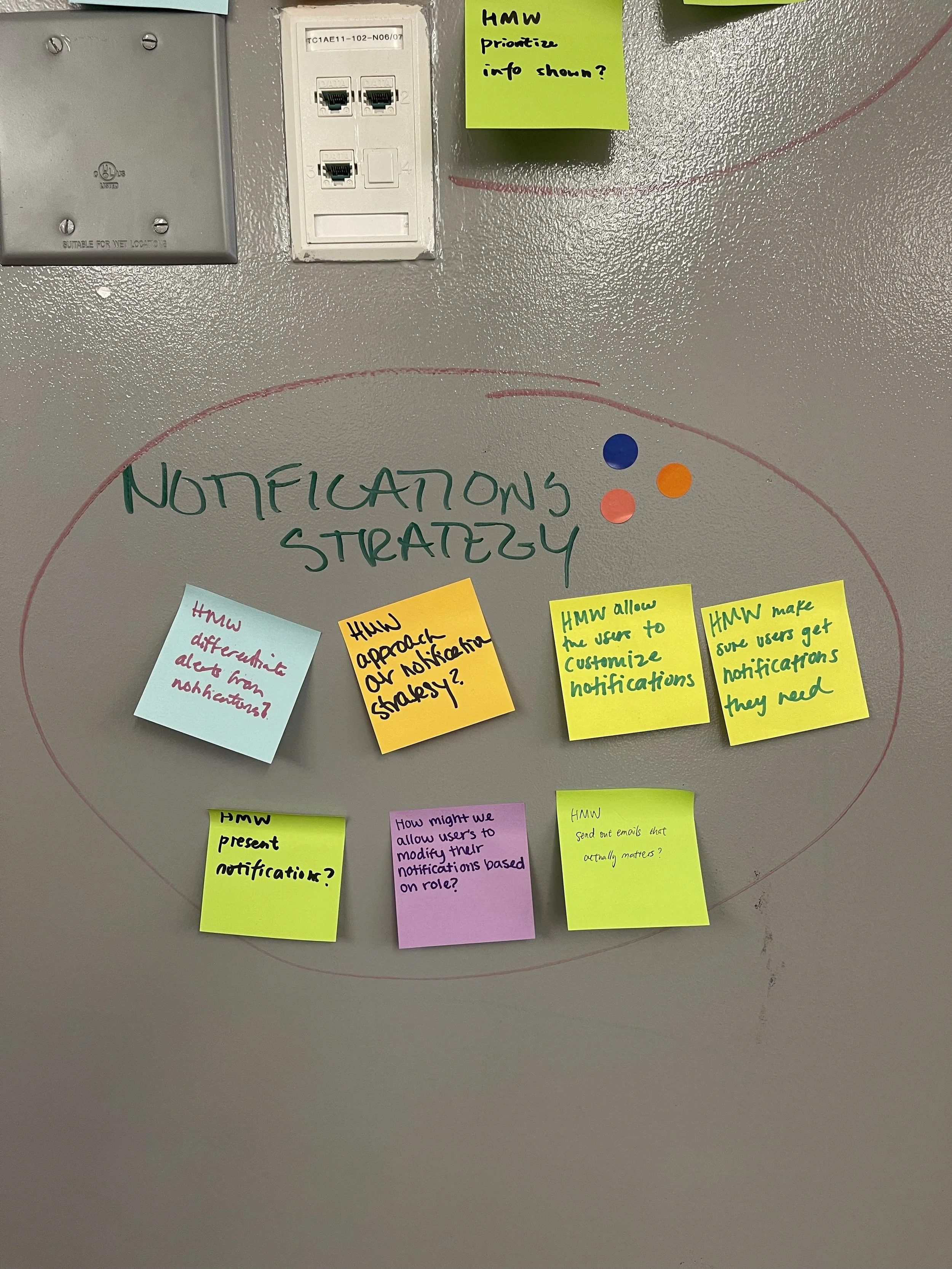
After the interviews, I organized my notes in FigJam and grouped observations into key themes. From there, I identified a set of opportunities to improve clarity, workflow structure, and task completion.
Competitive analysis
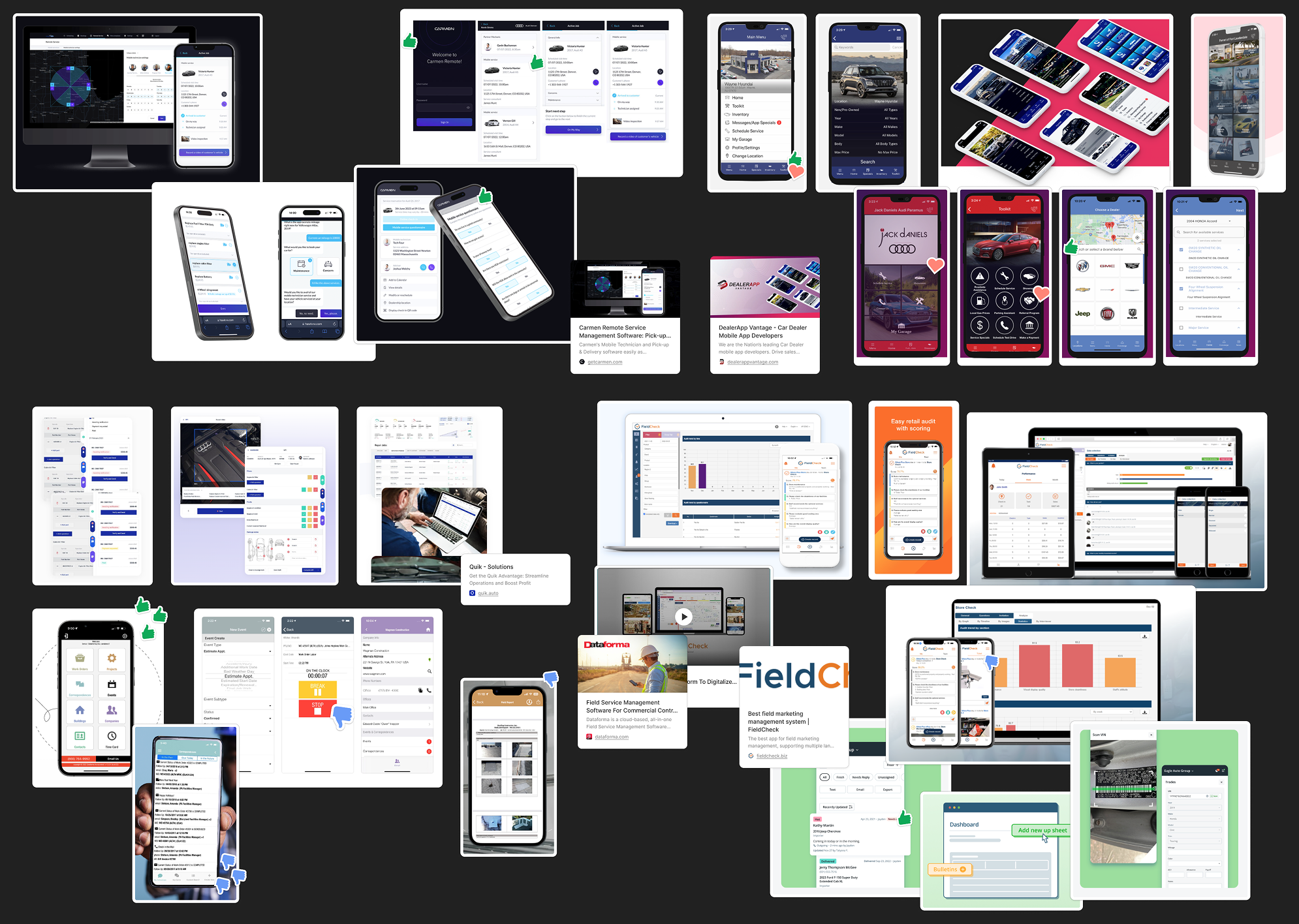
I reviewed a range of mobile and enterprise applications used in service, logistics, and operational environments to understand how complex workflows, task status, and field reporting were structured.
This helped identify patterns that could improve clarity and efficiency within CSMT.
Internal audit workshop
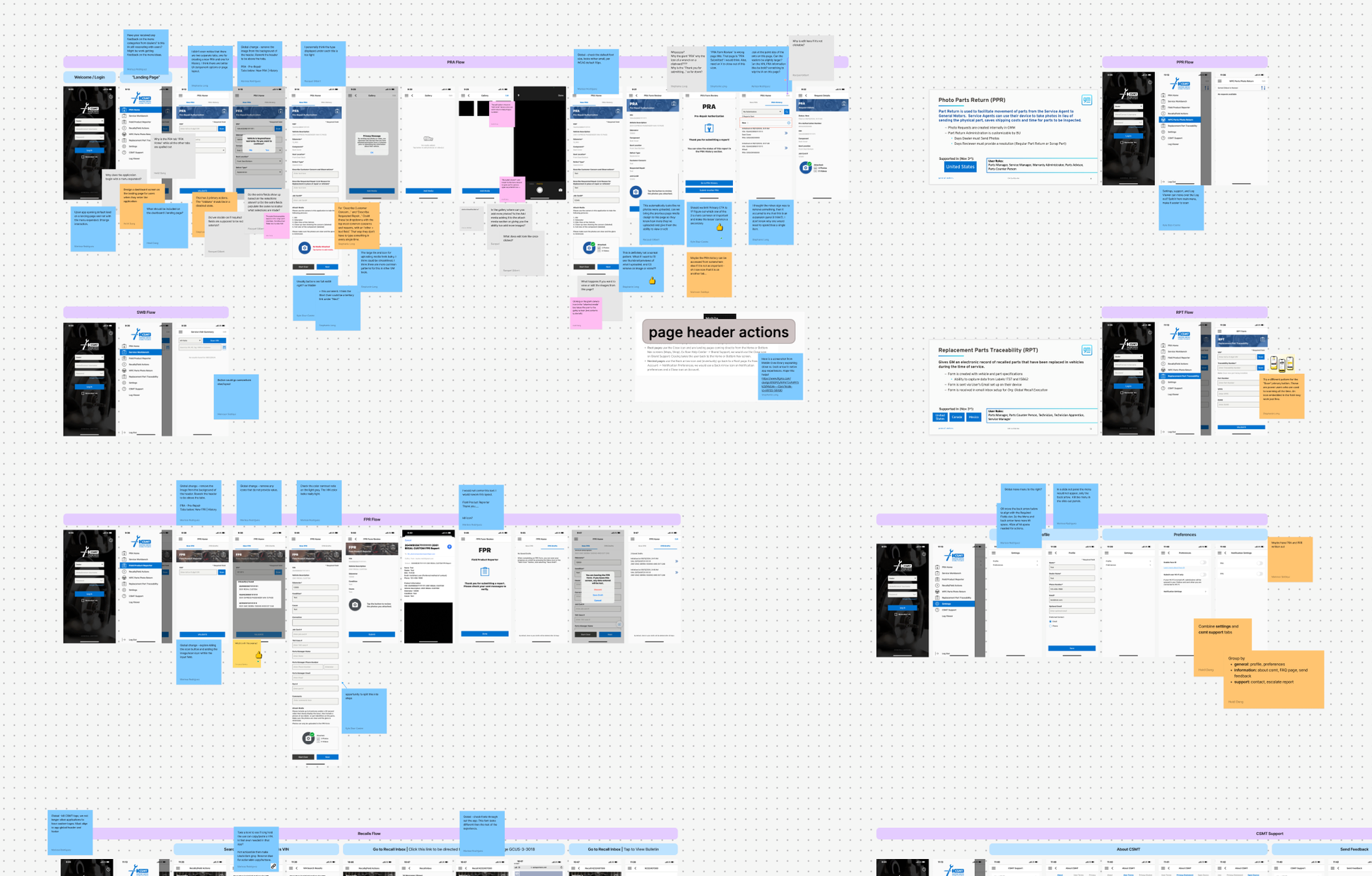
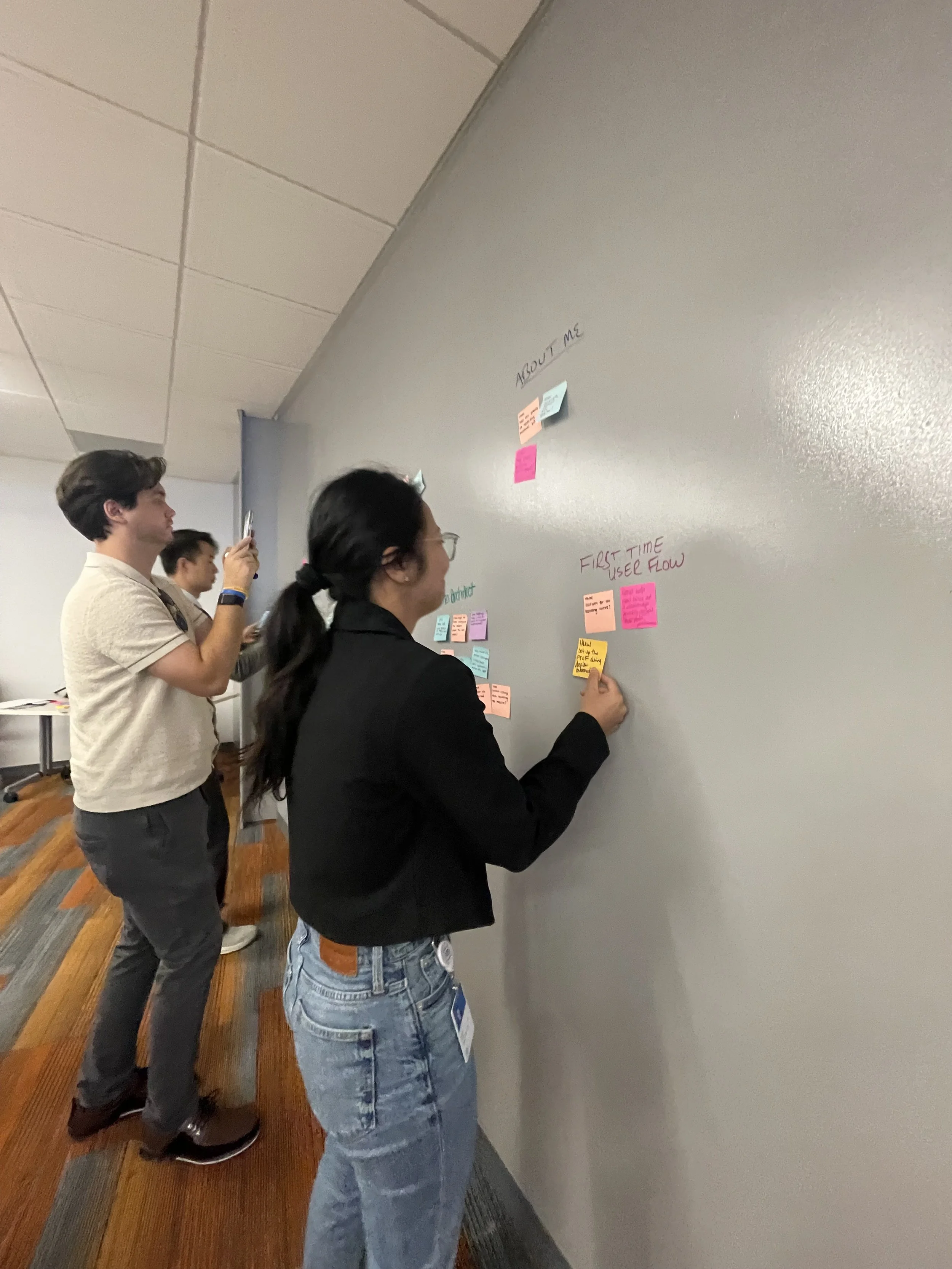
I facilitated a collaborative audit workshop with designers and product partners to review the existing application screen by screen.
Together we documented usability issues, unclear workflows, and interaction inconsistencies to build a shared understanding of the product’s challenges.
★ Key themes
Across field research, benchmarking, and the internal audit, several patterns consistently surfaced.
No updates or training on newly released features
Critical actions were not clearly prioritized
Navigation paths were inconsistent across workflows
Technicians had difficulty understanding task status and next steps
Information needed to complete cases was spread across multiple screens
The problem wasn’t individual workflows. It was how the system surfaced information.
How might the system surface the right information at the right time?
Design approach
Using insights from field research and interviews, I mapped the end-to-end service workflow to understand how technicians, service advisors, and customers interacted throughout the process.
This helped identify where information was lost, duplicated, or delayed, and highlighted key opportunities to improve how the system surfaced information.
Early flows and wireframes
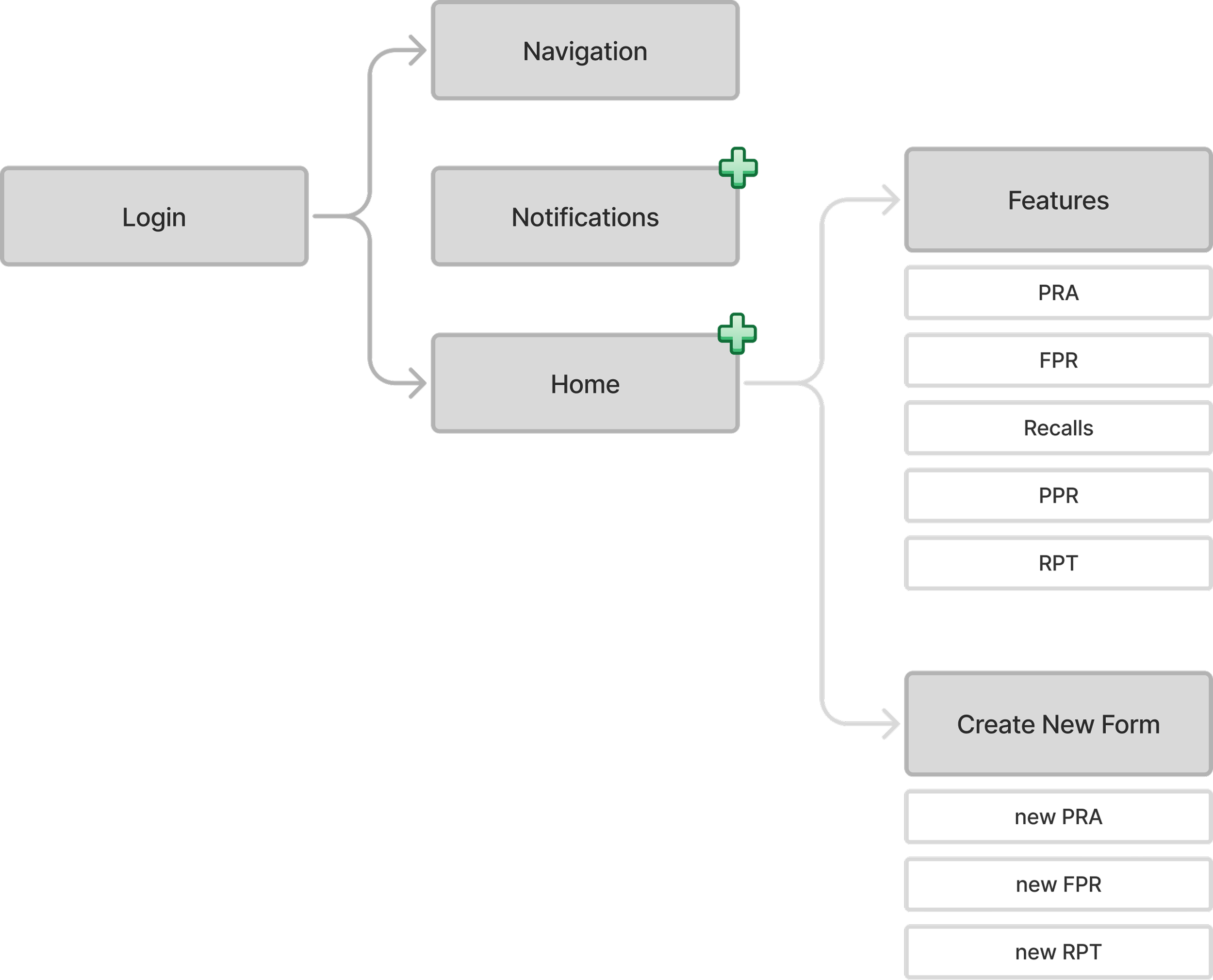
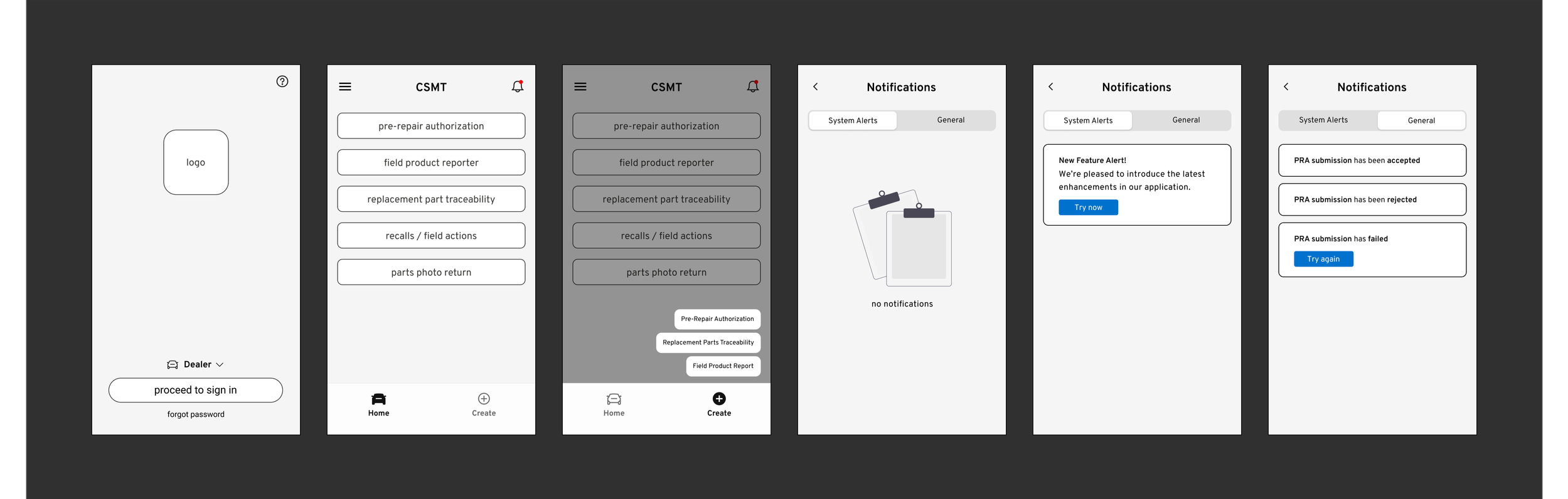
Before designing screens, I restructured the application architecture and explored navigation flows, then moved into wireframes.
Final designs
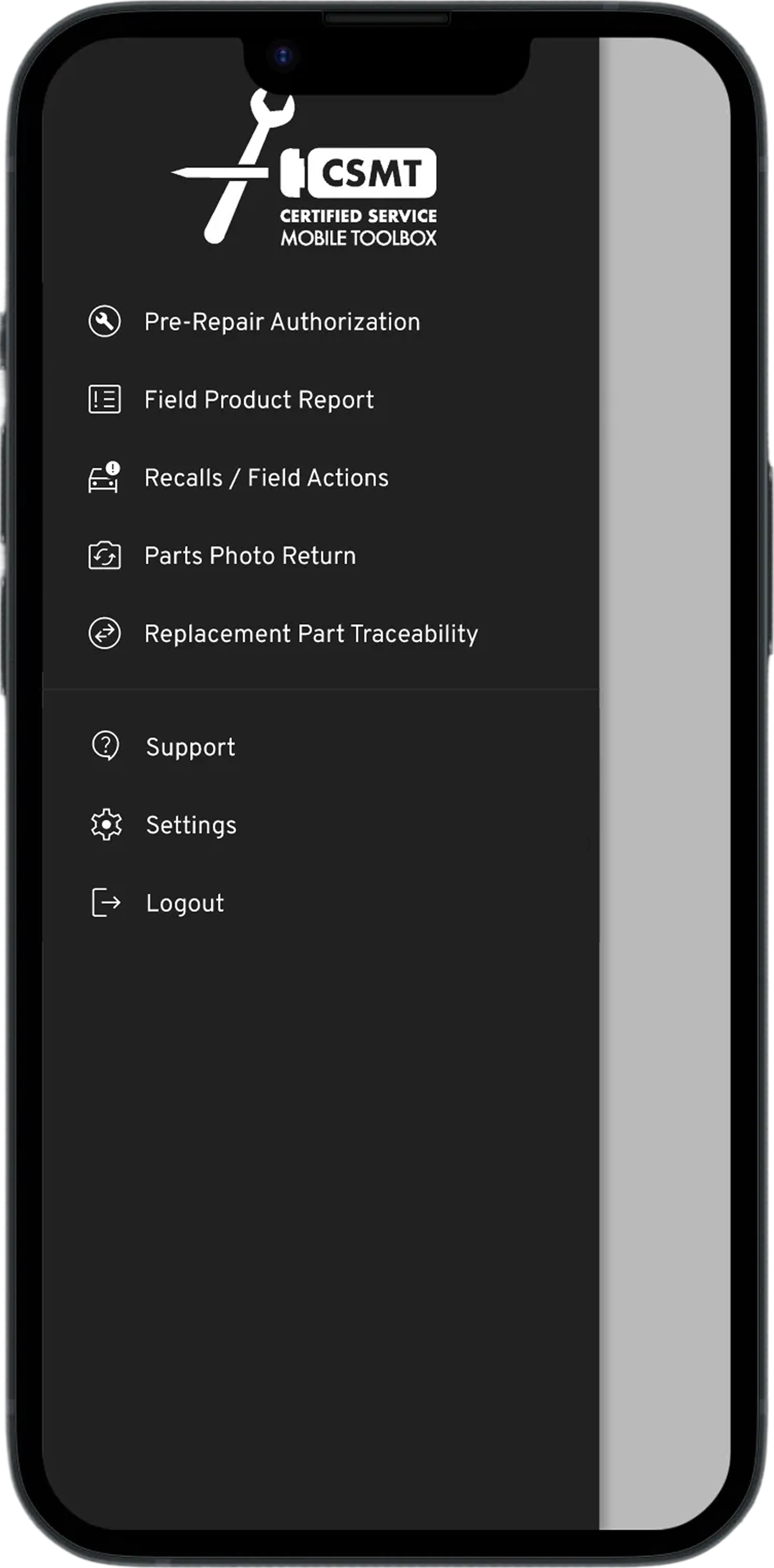
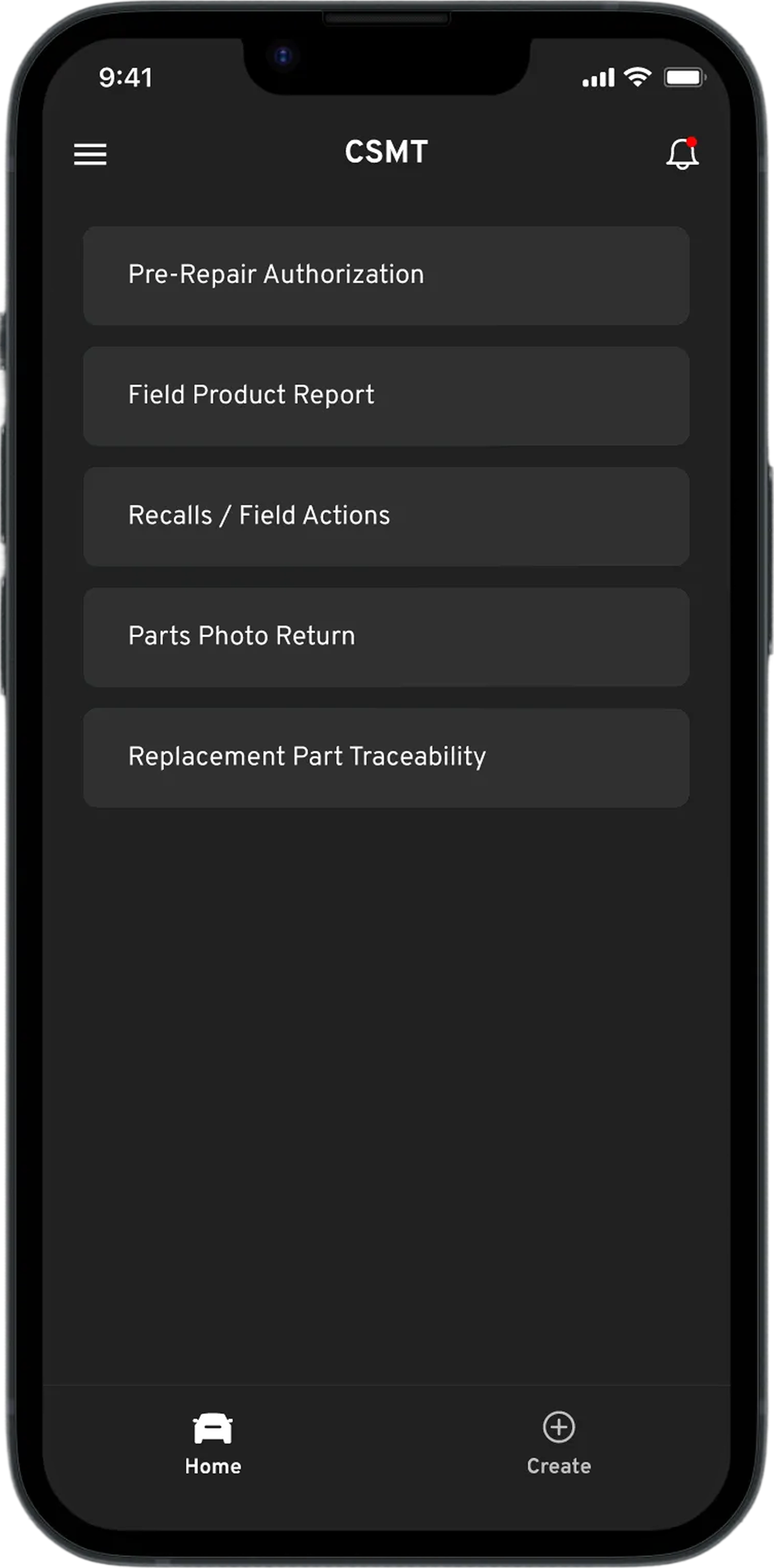
The final designs focused on simplifying navigation and making it easier for technicians to access key tools and actions throughout the application. Below are a few examples of updates that improved how users navigated the system, accessed information, and created new reports during daily service workflows.
Header
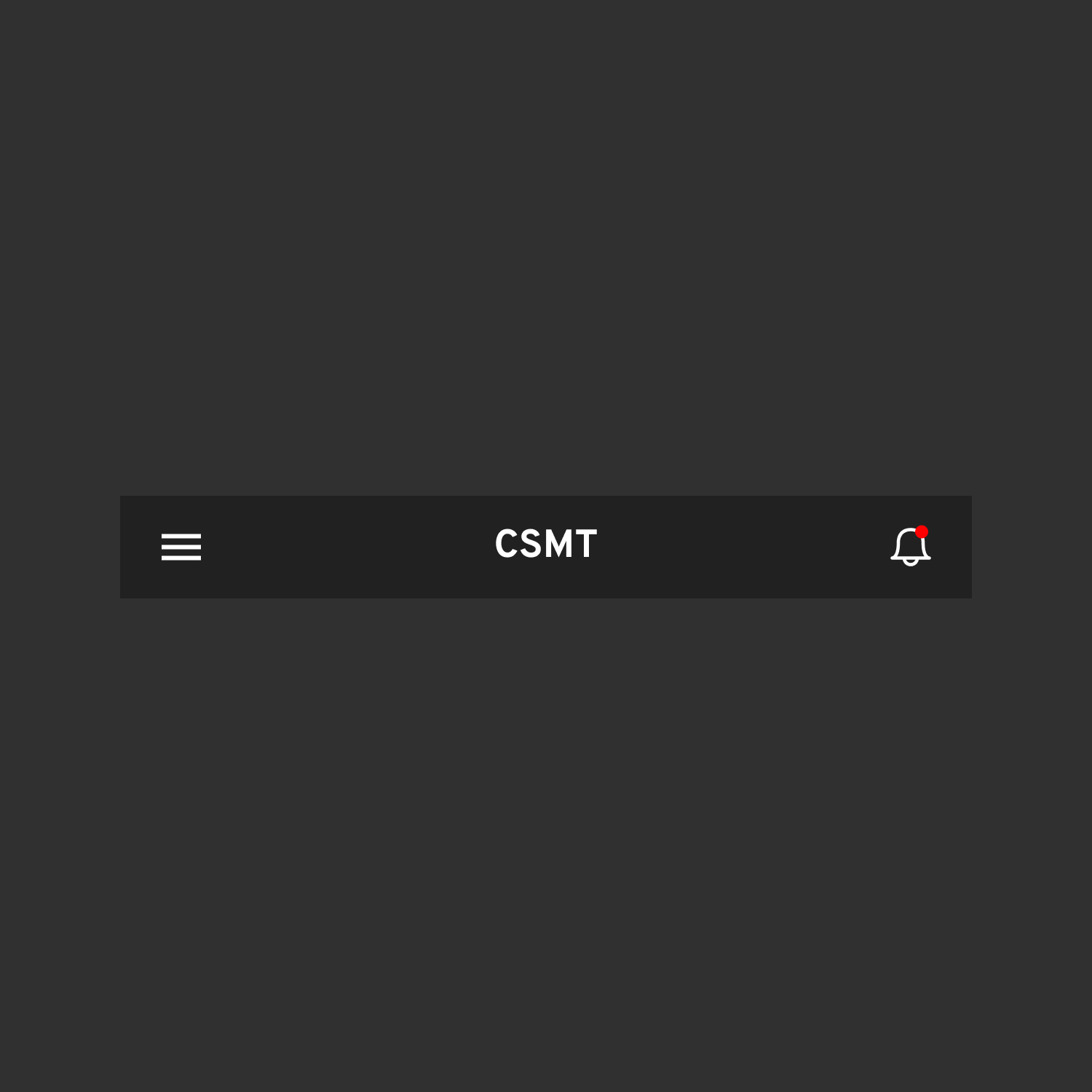
I designed a global header that provided consistent access to navigation and notifications, ensuring technicians could quickly check updates or move between areas of the application at any point.
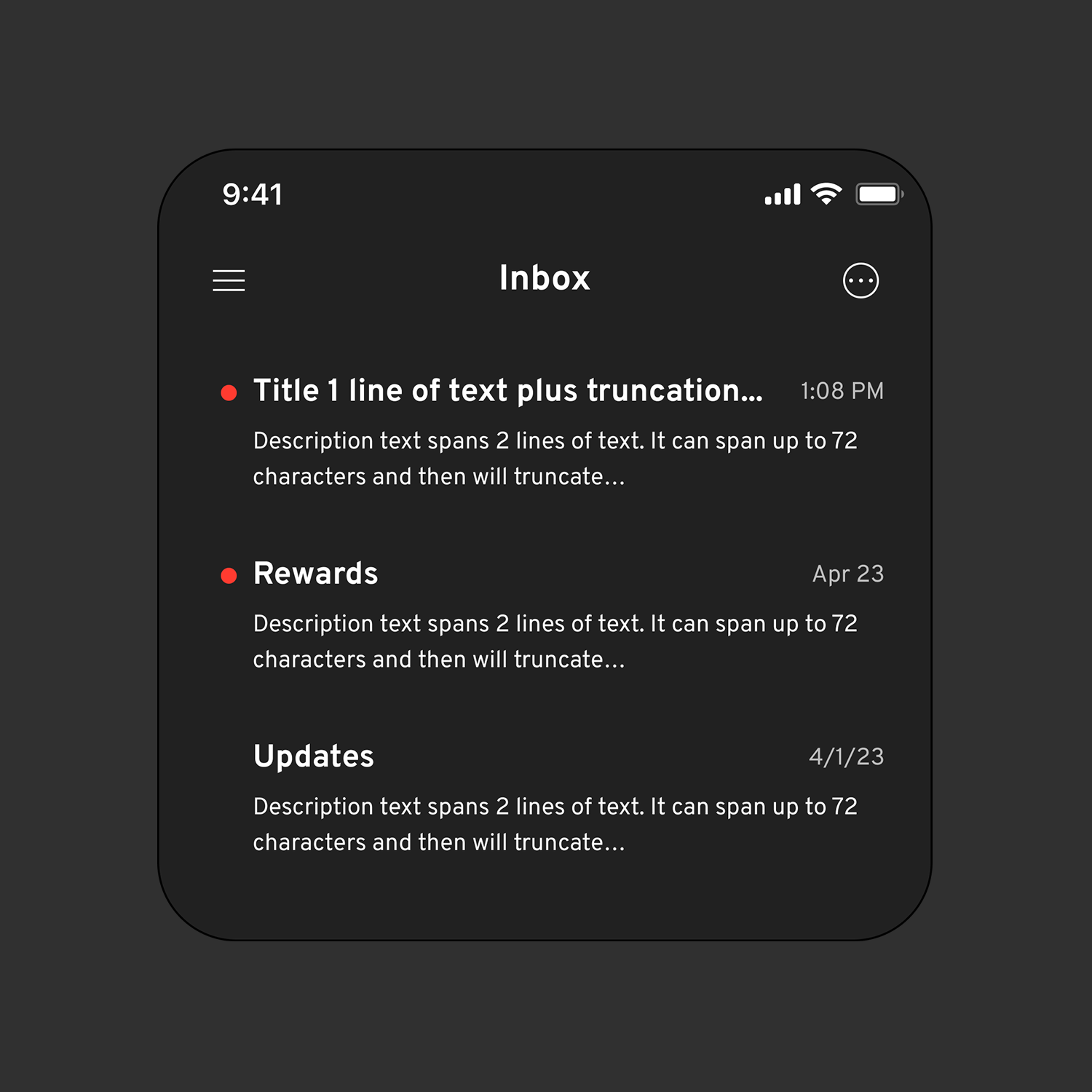
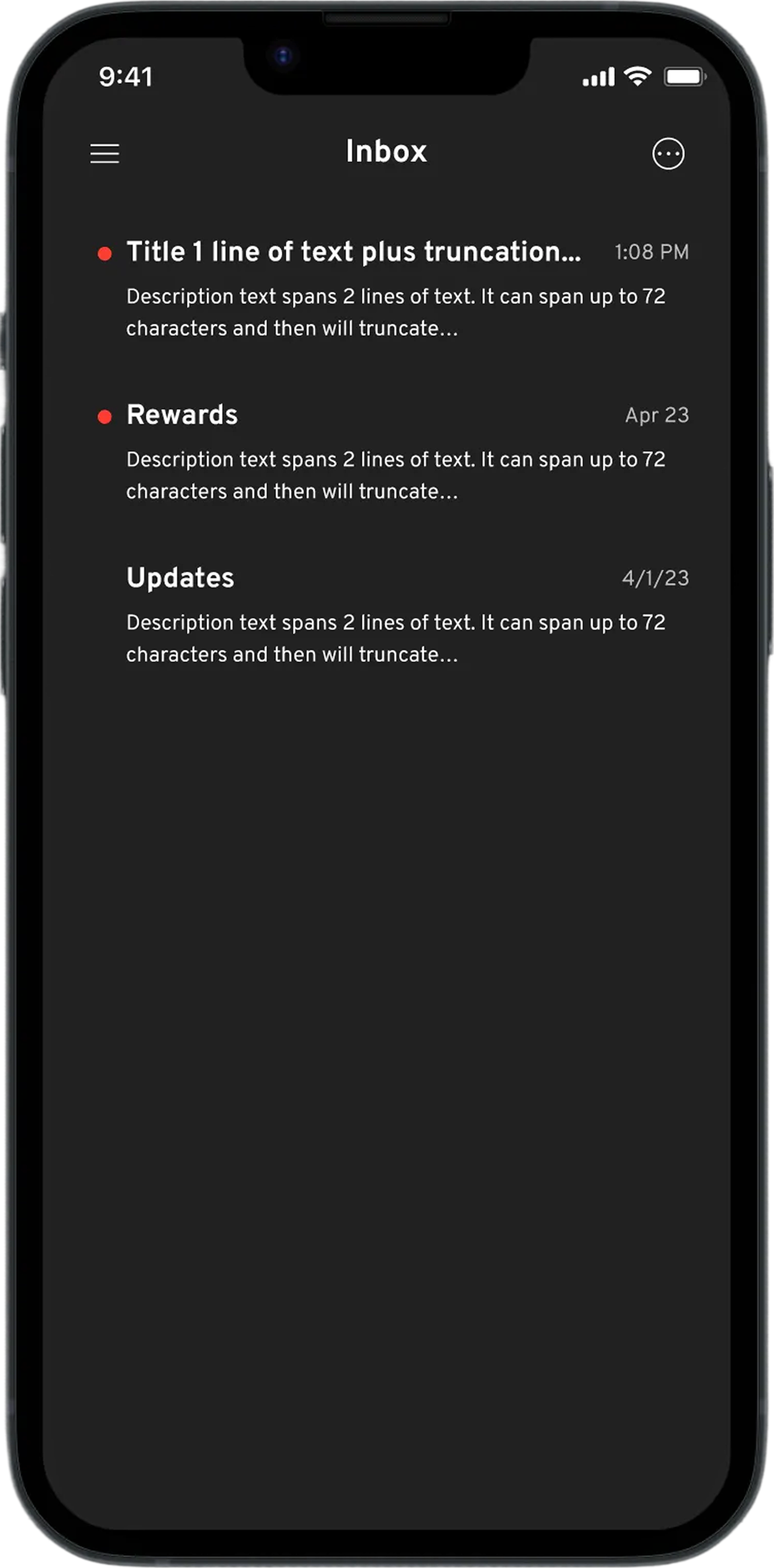
Notification inbox
I introduced a centralized notification area where technicians could review updates, case changes, and important alerts without interrupting their workflow.
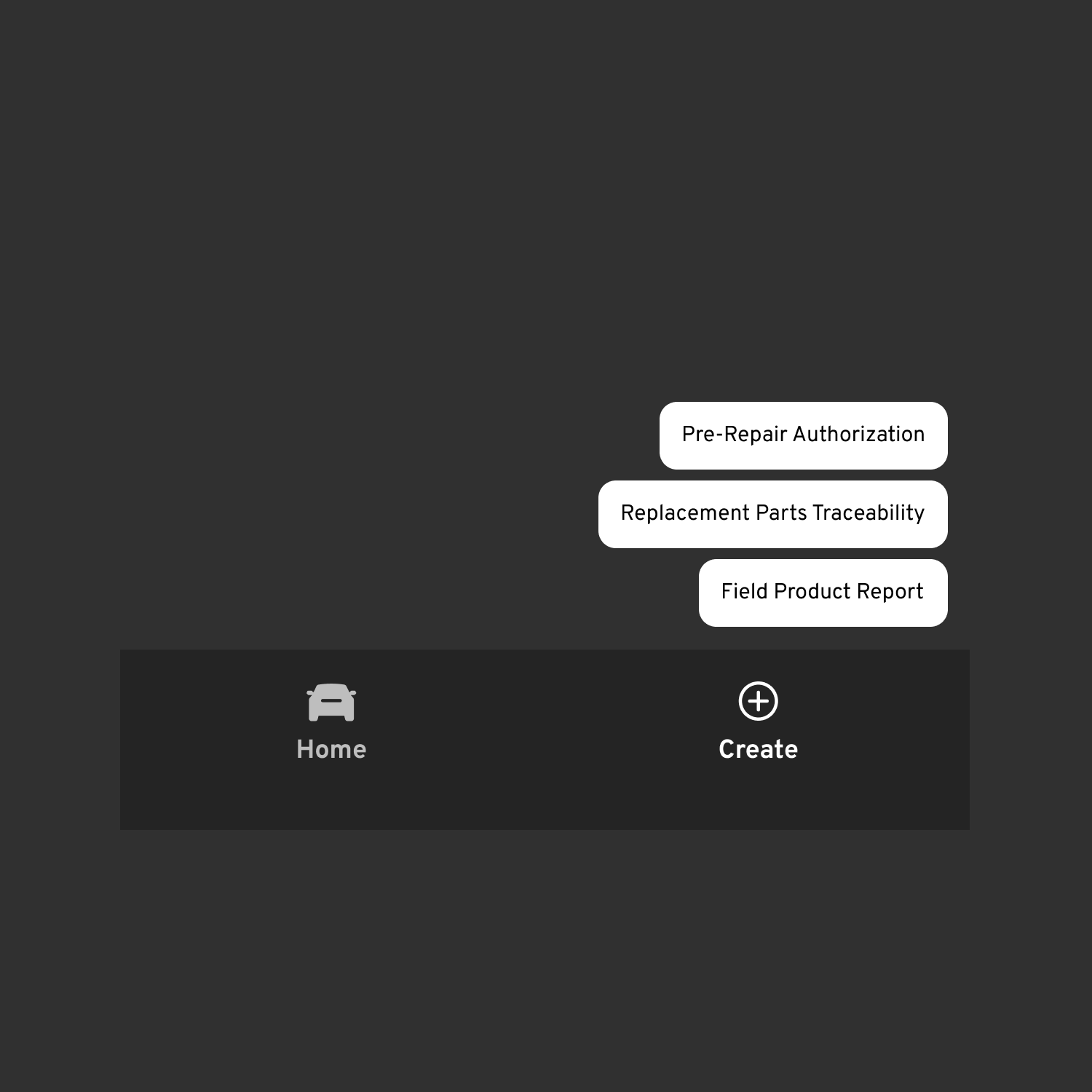
Global actions
I introduced global actions that allowed technicians to return home or create a new report from anywhere in the application, reducing the need to navigate through individual feature screens.
These changes created a clearer foundation for how technicians navigate features and stay informed across the app.
03 . Conclusion
Outcomes and takeaways
Together, these changes improved how users navigate, act, and stay informed, while supporting continued growth at scale.
Enabled more efficient work for 80,000+ users globally, reducing time spent navigating, rechecking, and resubmitting cases
Generated ~$17M in estimated operational impact through fewer errors, less rework, and faster issue resolution
Reduced friction in high-frequency service workflows with clearer entry points and task prioritization
Centralized system communication, improving visibility into submission status, updates, and required follow-ups
This work reinforced the importance of designing systems that can evolve over time, especially in operational environments.
Designing for real environments
Seeing technicians move between vehicles, tools, and conversations reinforced how different real workflows are from how systems are often designed.
Systems must evolve over time
Because CSMT had grown from a single tool into a multi-feature platform, designing flexible structures was just as important as improving individual screens.
Operational context matters
Technicians use the app alongside physical tasks, interruptions, and shifting attention, requiring quick and simple interactions.
Field research changes decisions
Spending time in dealerships surfaced issues that would not appear in analytics or requirements alone, helping prioritize changes that had the greatest impact.
Next project →General Motors: Template Tiger